
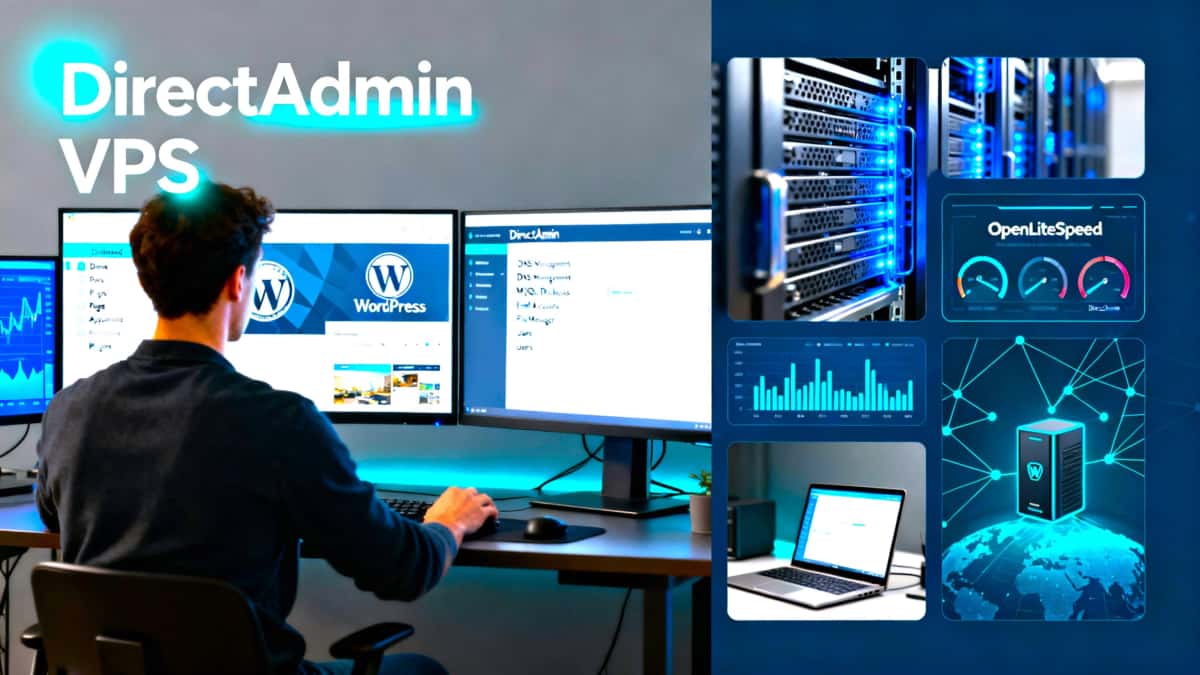
DirectAdminVPS provides straightforward, tested guides for building and managing an unmanaged VPS using DirectAdmin, AlmaLinux (or compatible distributions), and performance-first stacks.
Why this site & who this site is for
This resource is focused on helping site owners reduce hosting costs, gain control of their stack, and achieve high performance and reliability on a self‑managed VPS. Content covers installation, security, DNS, mail, backups, and practical DirectAdmin configuration.
Special topics of what you’ll find
- Step-by-step DirectAdmin setup and configuration
- AlmaLinux/CentOS‑compatible server setup guides
- Performance tuning: caching, PHP/DB optimizations, and CDN use
- SSL, DNS, and custom nameserver configuration
- Mail server basics and anti-spam tips
- Backup strategies: local, NAS, and cloud options
See quick start suggestions, too
- Choose a lightweight OS image (AlmaLinux or similar) and update packages.
- Install DirectAdmin following the official guide; secure SSH and configure firewall rules.
- Configure PHP and MariaDB for your expected workloads; enable caching (OPcache, FastCGI cache).
- Set up TLS/SSL (Let’s Encrypt) and test A+ SSL Labs configuration.
- Plan backups and monitor logs; automate snapshots if possible.
Call to action
Ready to self-manage a VPS? Visit the actual, live site DirectAdmin VPS for step-by-step guides and example setups. If you need help, contact us.